
This page applies to Harlequin v13.1r0 and later; both Harlequin Core and Harlequin MultiRIP.
When running the LDK Tool, select Settings from the File menu to open the following dialog:
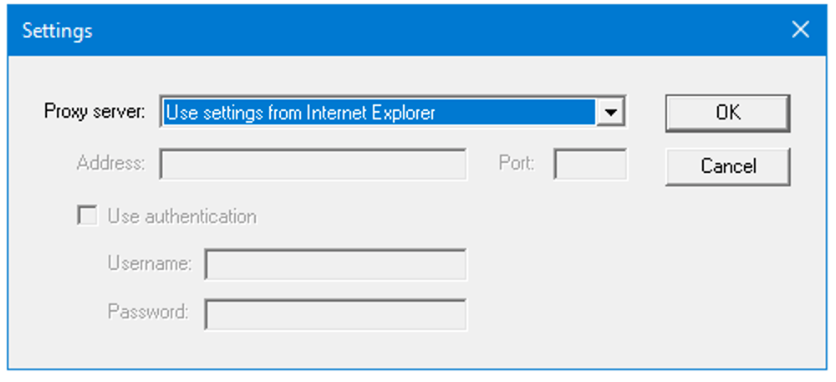
The default proxy settings on Windows are read from the Internet Explorer settings, so any proxy configured there is used automatically. If you need to configure a proxy specifically for the LDK Tool, do it from this screen.