📌 Overview
Apex is able to produce extended gamut (XG) separations (for example, CMYKOG - Cyan, Magenta, Yellow, Black, Orange and Green) using an ICC profile designed for the purpose. This article explains how.
ℹ️ Solution
-
Render with a wide-gamut colorspace, such as RGB or a wide-gamut CMYK
-
Post-process to color convert the output to XG
💪 Detailed steps
Rendering to a wide gamut
Apex requires a process color space to be specified, for initial rendering. This describes the process space where compositing will occur.
An XG profile cannot be used directly as the process space; attempting to do so will throw an exception. Instead, Apex should be configured with a process space with as wide a gamut as possible, such as RGB, However, in a print setting a better choice is a wide-gamut CMYK color space. An ICC profile that describes such a space is available from the International Color Consortium. You will find a download link on their web page that explains its purpose.
Converting to extended gamut (XG)
To complete the conversion, a CColorConversionPostProcessSpec is added to the render spec, referencing a colorspace created from an XG profile. As the color conversion is carried out on the GPU, it’s extremely quick.
Example using simpleapexrender
You can use the example that ships with the SDK, simpleapexrender, to demonstrate this workflow.
We are using:
-
PRMG_v2.0.1_MR.icc(downloaded from the ICC website) -
6CLR-700-TinyPatch_Multicolor_SparseInk.icc, a CMYKOV profile designed to make as much use as possible of the XG colors -
oranges and violets.pdf, a sample document that emphasizes the XG colors, orange and violet
These resources can be downloaded from the links at the bottom of this page.
The command line used here includes dumprenderspec=true, a debug option that displays the values supplied to the Apex renderer.
PS C:\ggtest\> .\simpleapexrender.exe '.\oranges and violets.pdf' '.\oranges and violets_rendered.pdf' res=300 processprofile=.\PRMG_v2.0.1_MR.icc finalprofile=.\6CLR-700-TinyPatch_Multicolor_SparseInk.icc dumprenderspec=true
width                         2480
height                        3508
depth                         8
aaFactor                      1
alpha                         False
use16BitInternalRendering     False
sourceRect                    { x = 0, y = 0, dX = 793.6, dY = 1122.56 }
optionalContentEvent          eOCEPrint
rgbImageRenderingIntent
cmykImageRenderingIntent
processSpace                  IDOMColorSpace::eICCBased
postProcesses
CColorConversionPostProcessSpec
    conversion step:              IDOMColorSpace::eICCBased, eRelativeColorimetric, EDL::eBPCDefault

compress                      True
ElapsedTime::Fetch page  0.007121
ElapsedTime::Render page 0.677396
ElapsedTime::Render Avg::AVG  0.677396
ElapsedTime::Render Avg::TPUT 1.476240
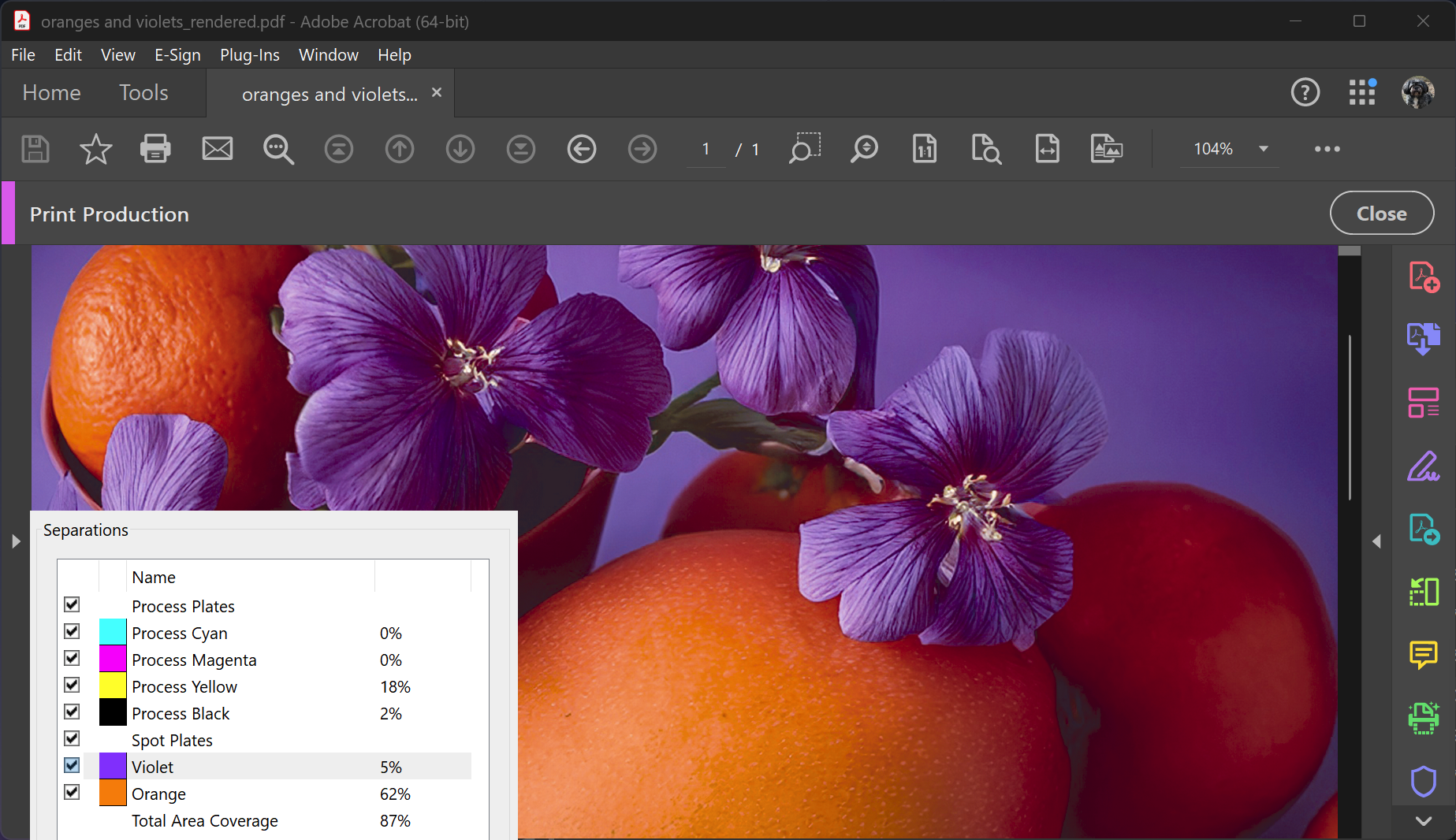
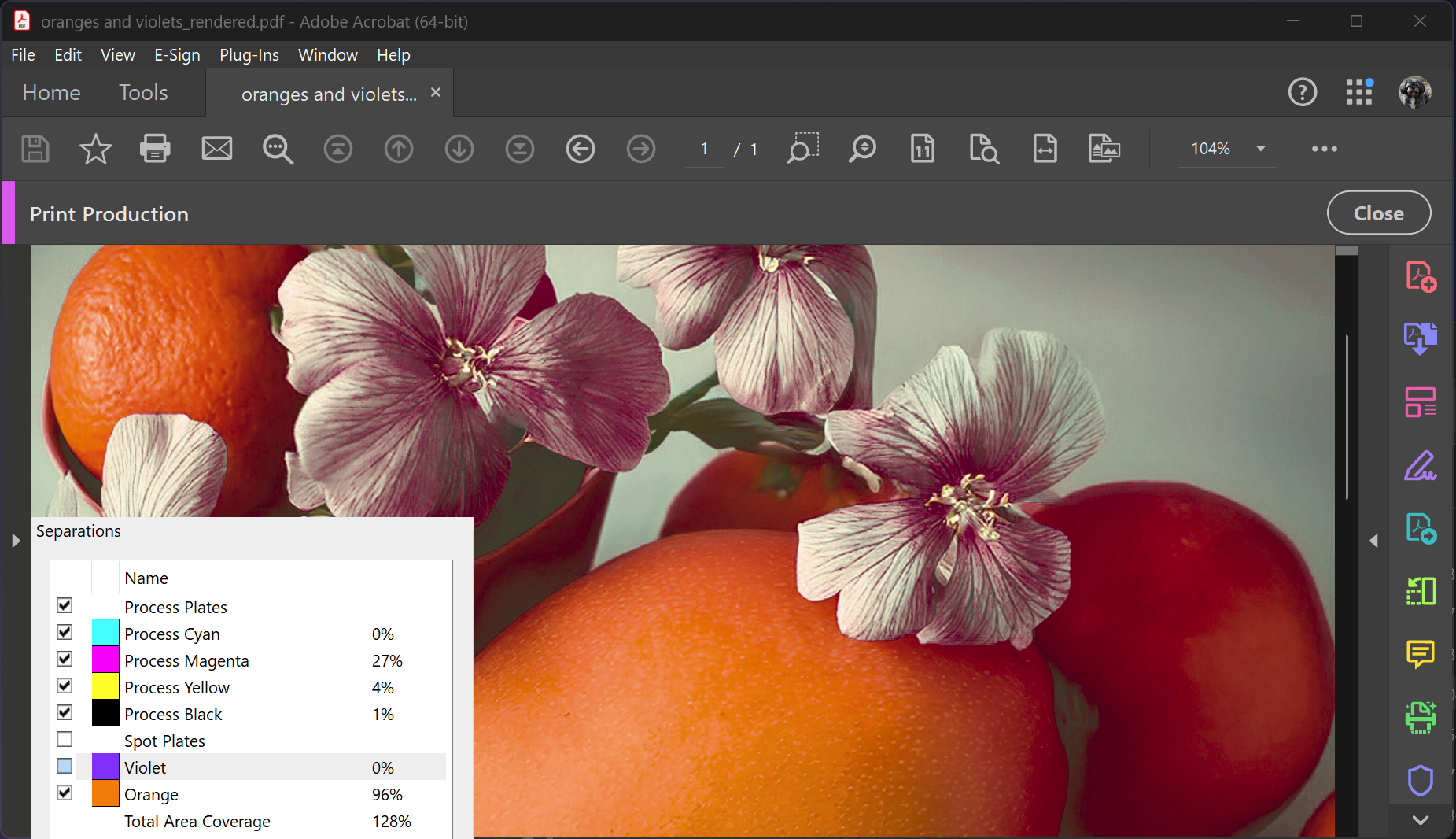
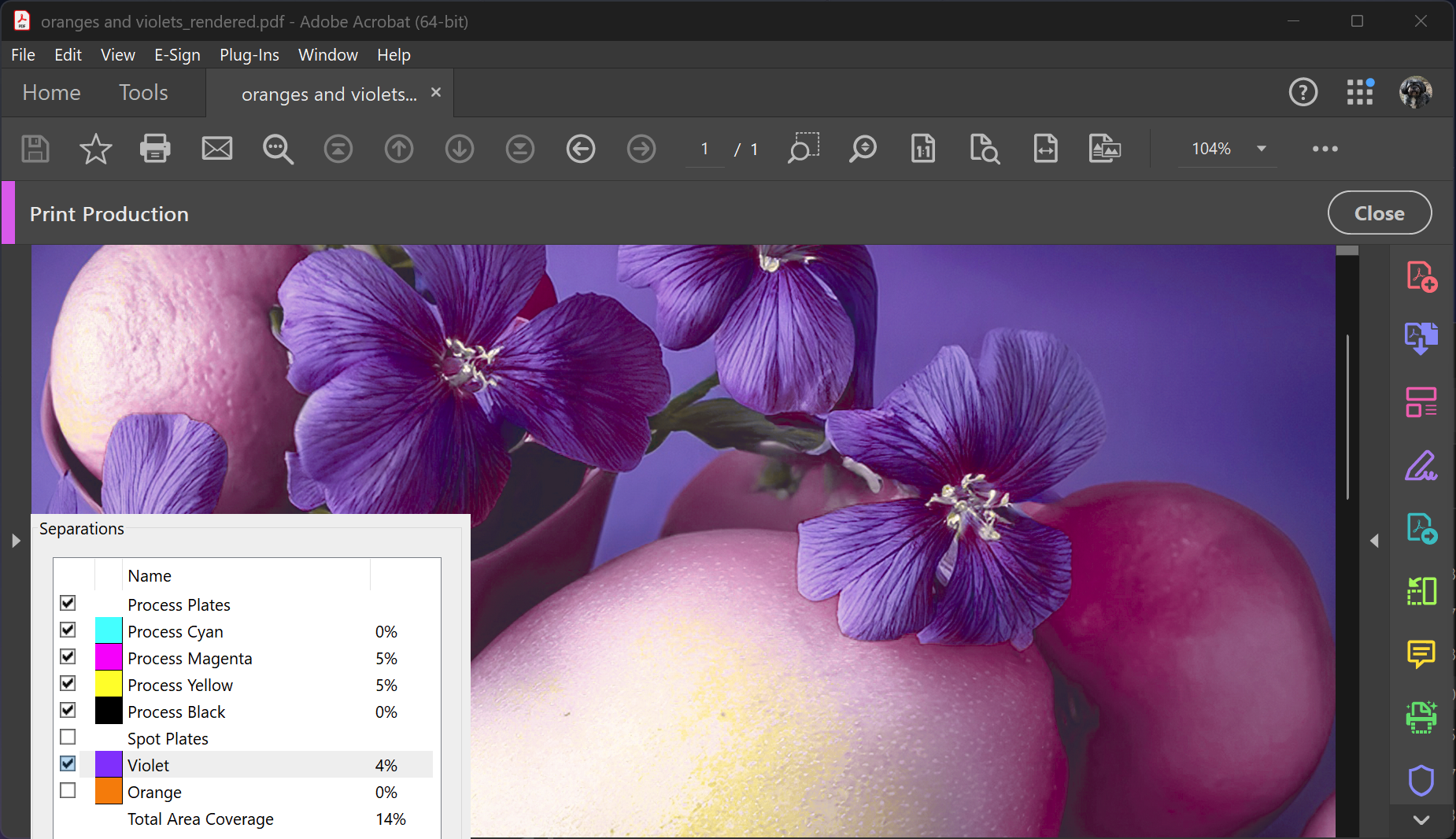
Because PDF was chosen as the output so that it’s easy to view, a DeviceN color is generated that allows the XG colors to be treated as spot colors. In Acrobat’s Output Preview we are then able to control display of the XG colors, as seen here: